reanimated_dartnative
React Native Reanimated for DartNative: shared values, spring, timing and decay animations, animated styles, layout animations, CSS animations, and device sensors.
 Airplane |
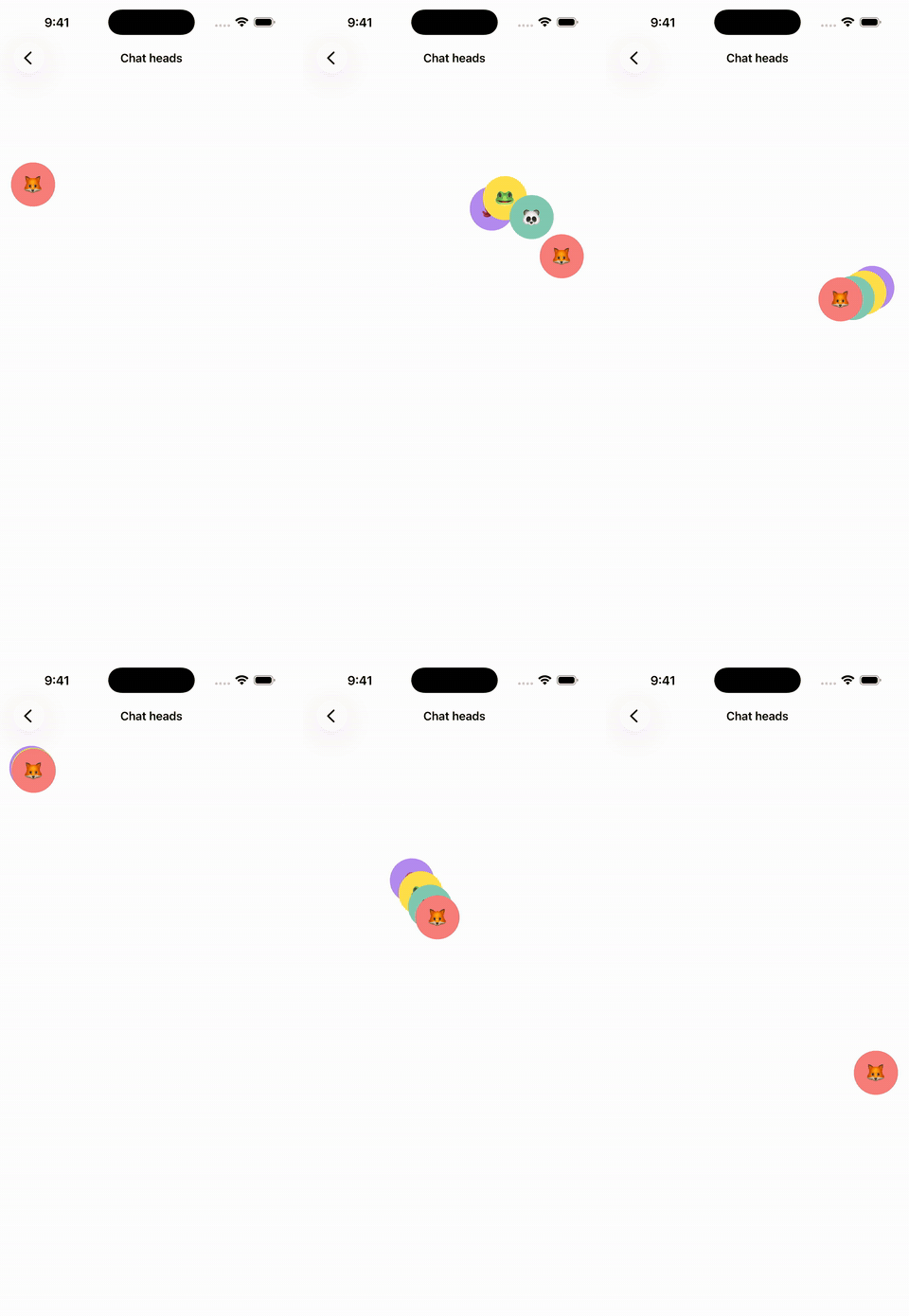 Chat heads |
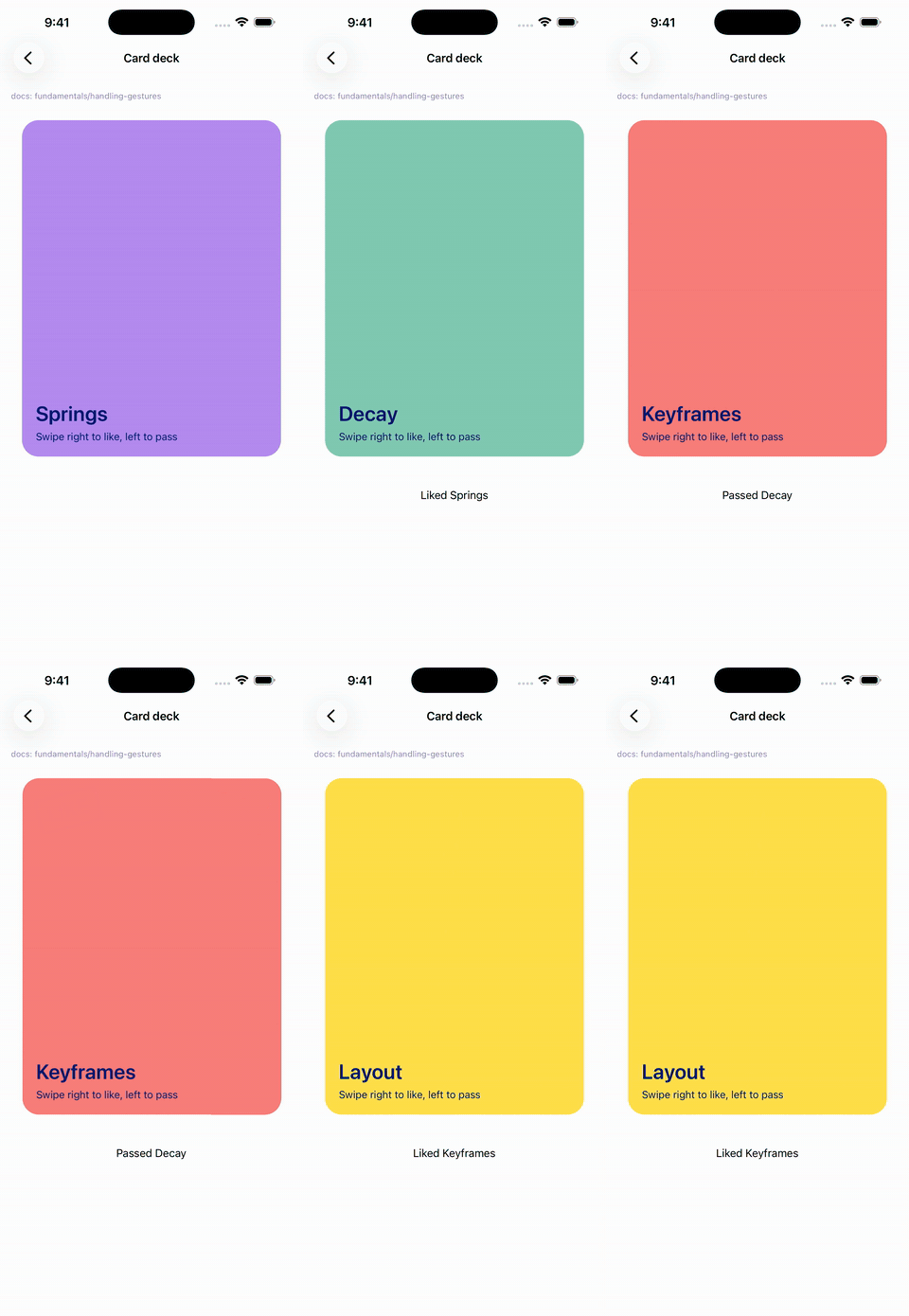 Card deck |
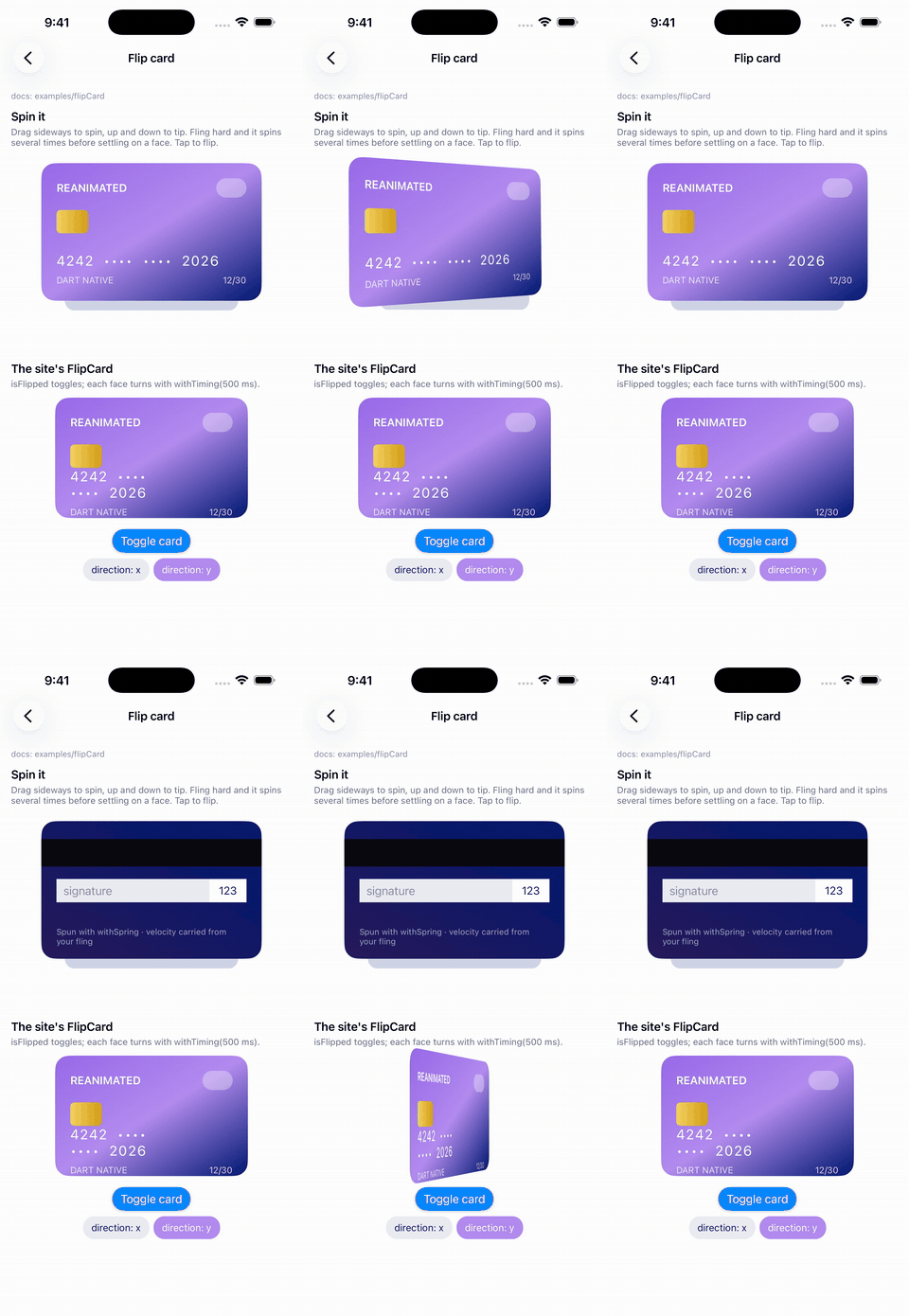 Flip card |
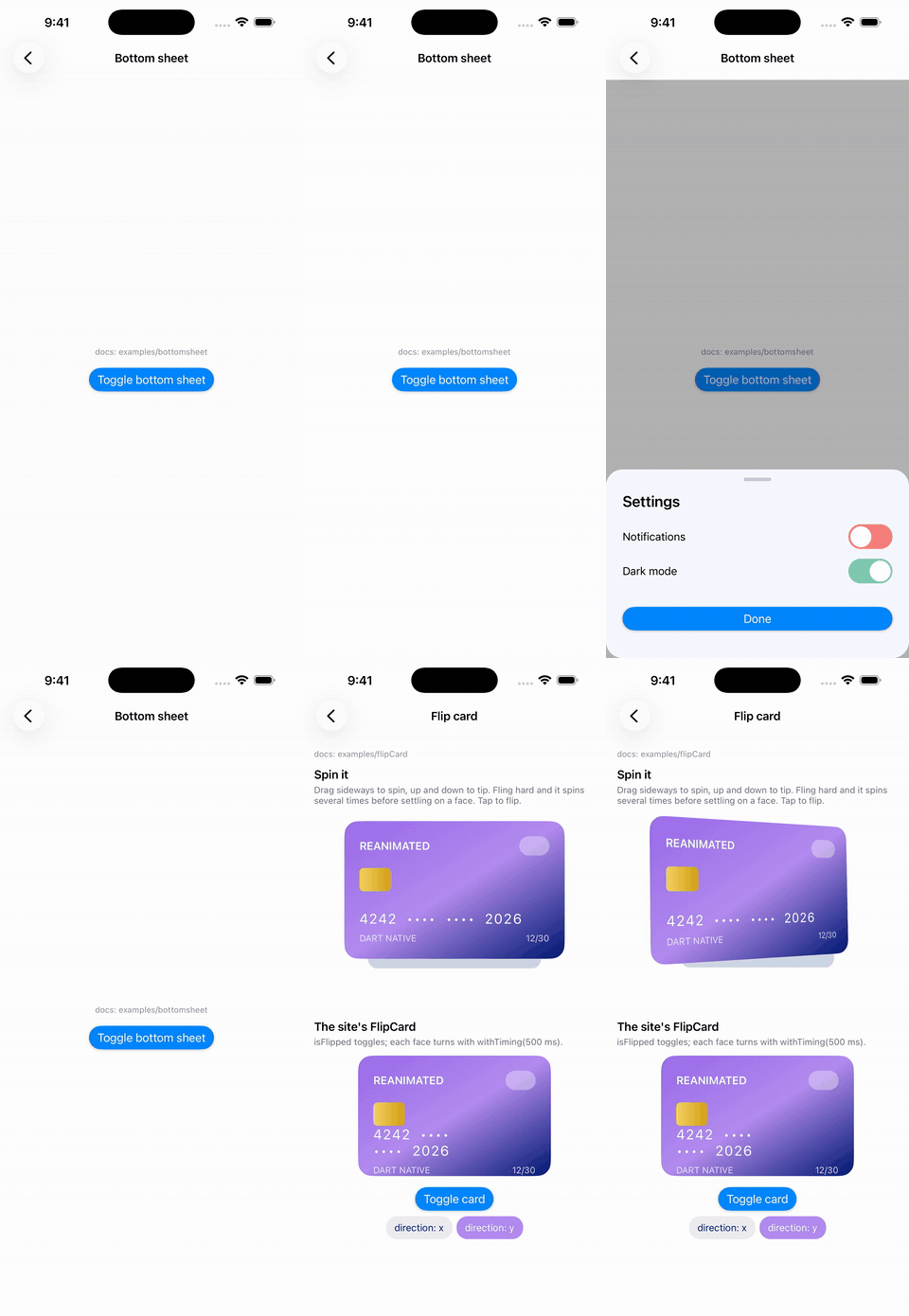 Bottom sheet |
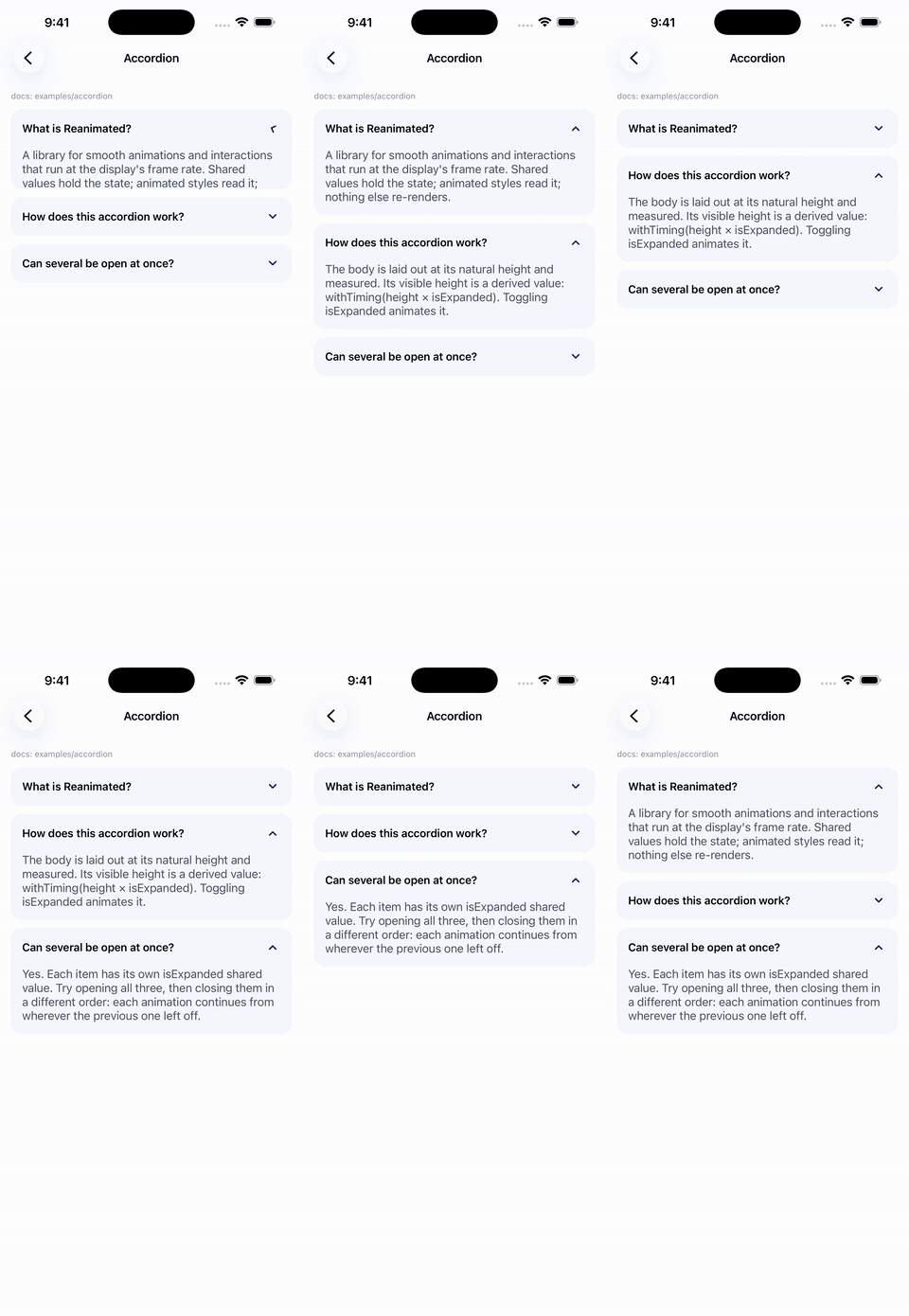 Accordion |
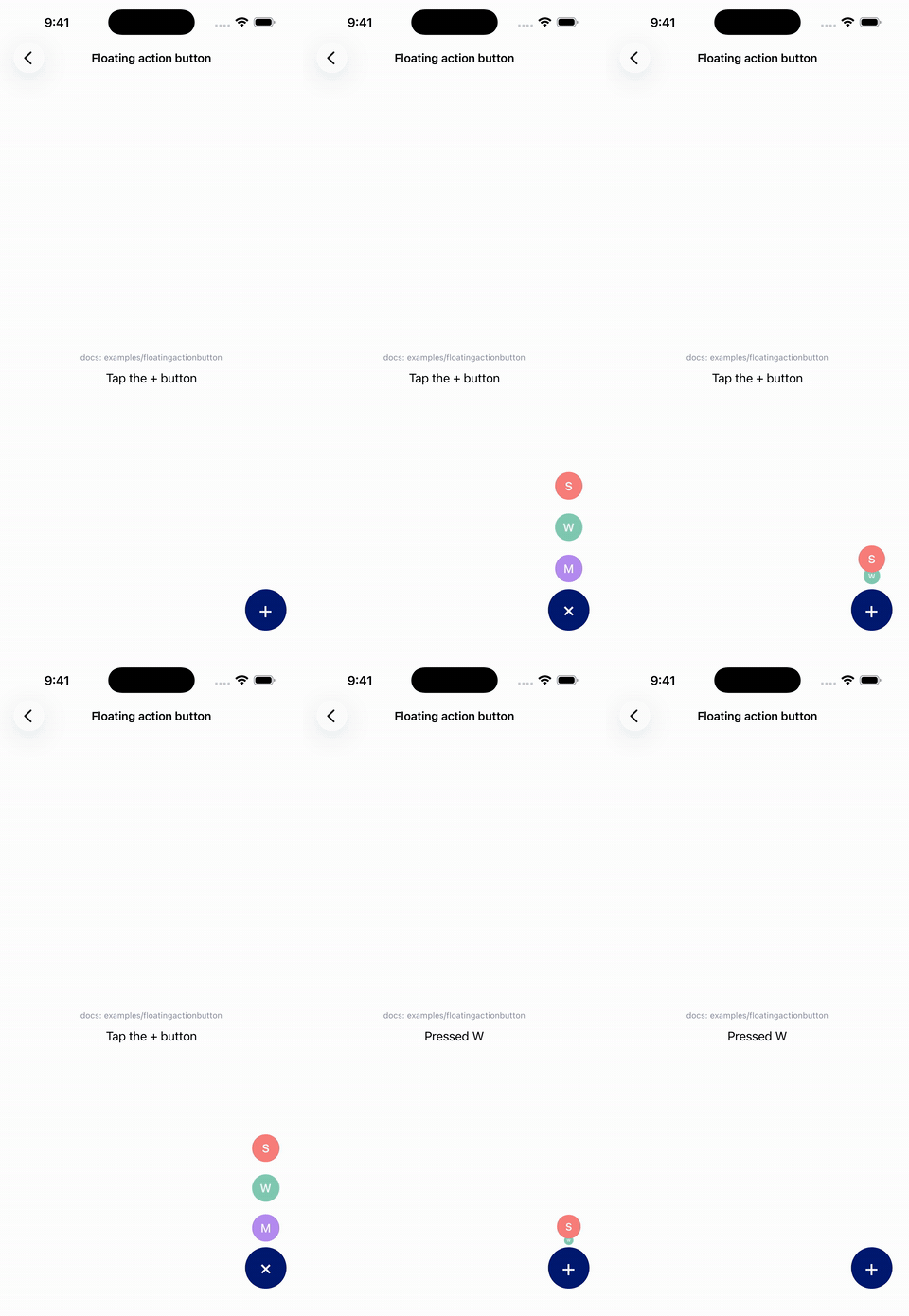 Floating action button |
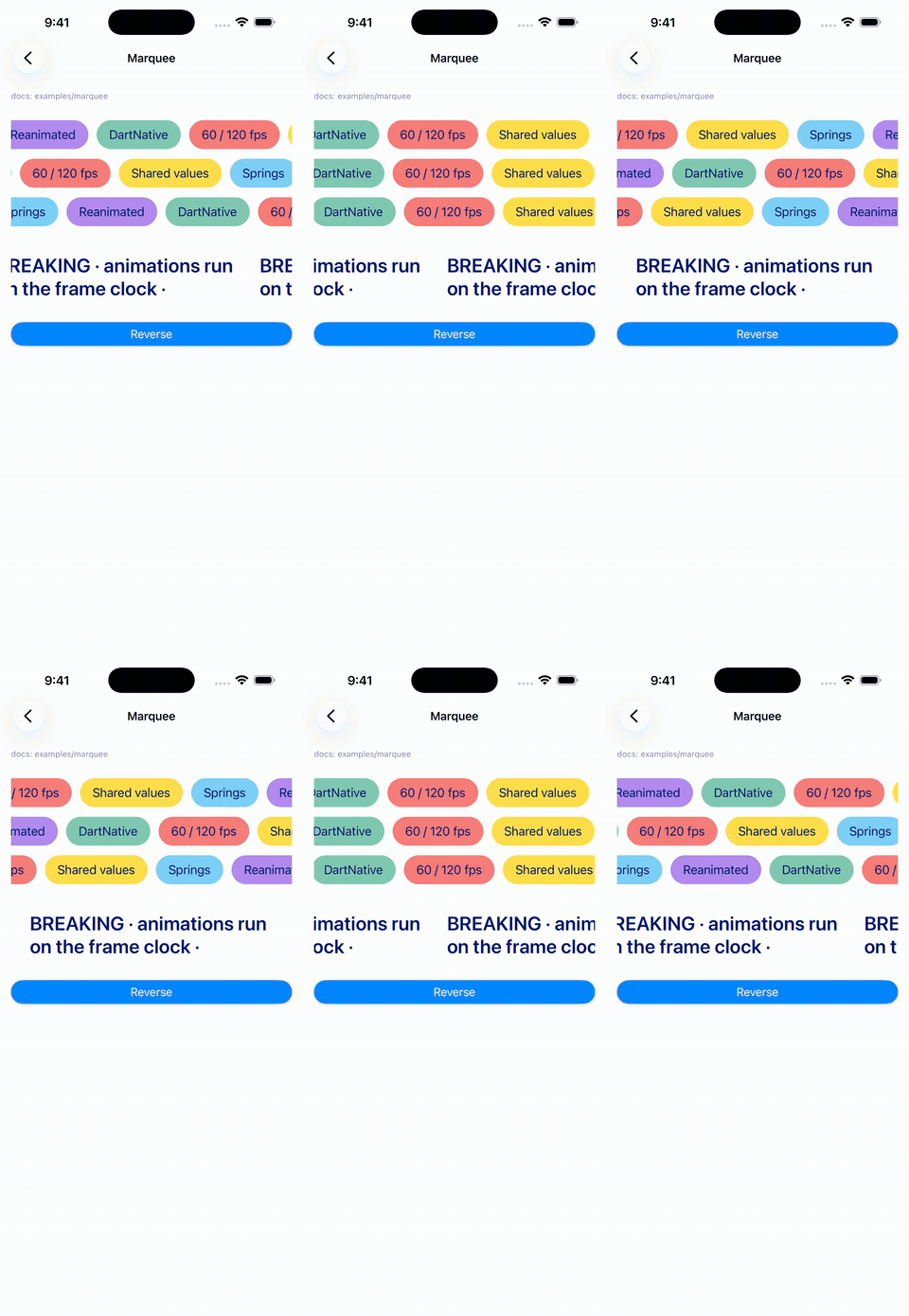 Marquee |
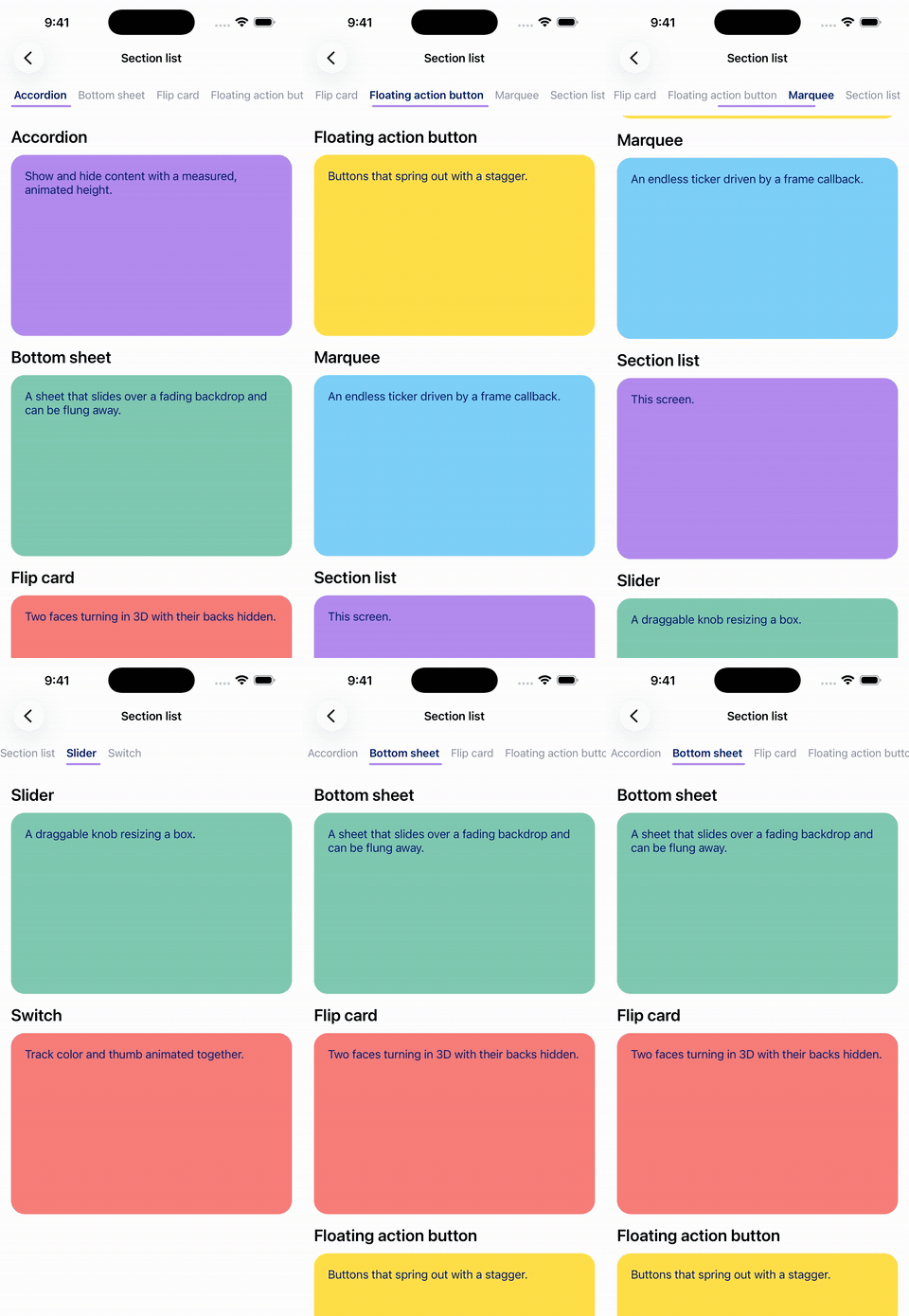 Section list |
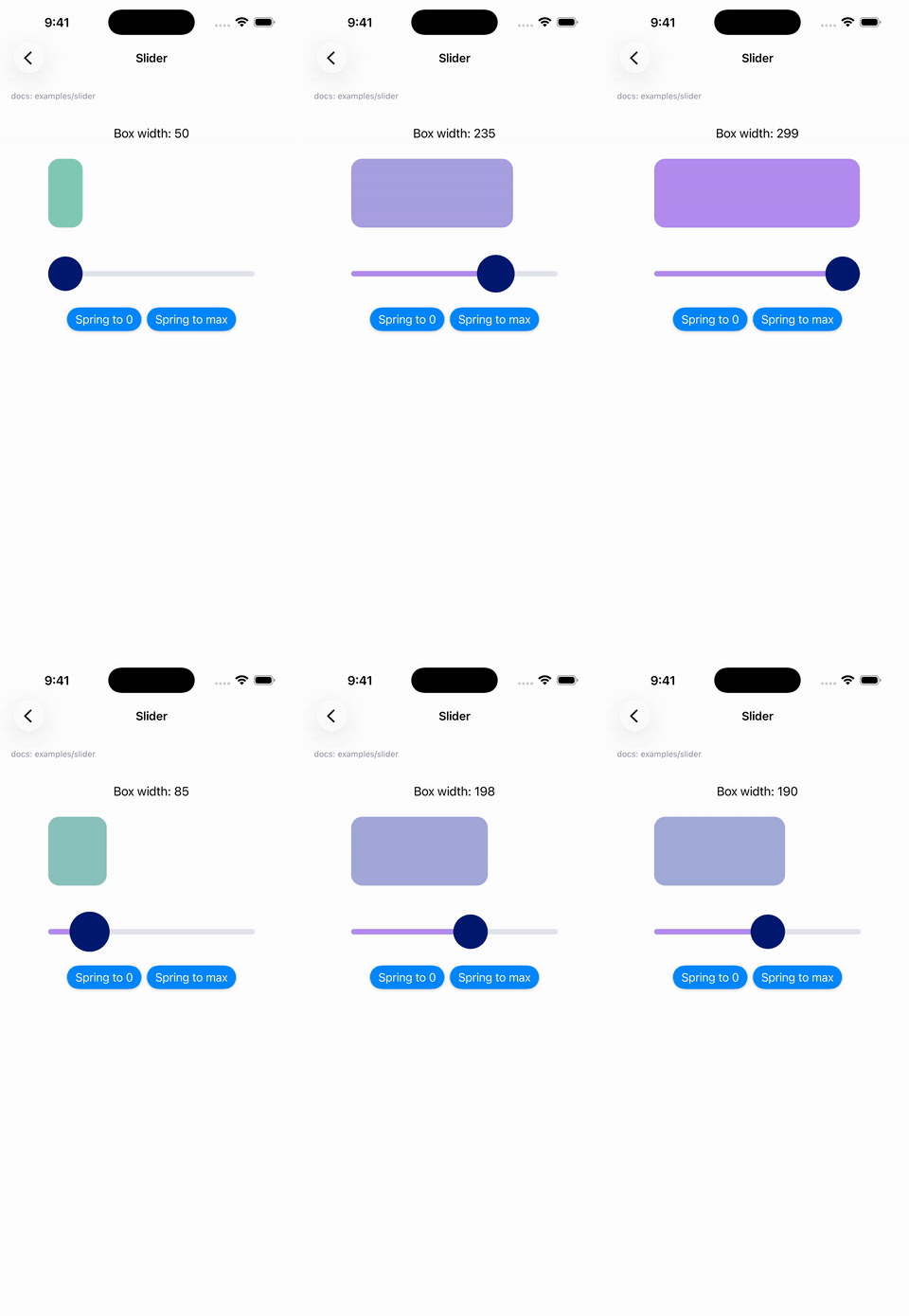 Slider |
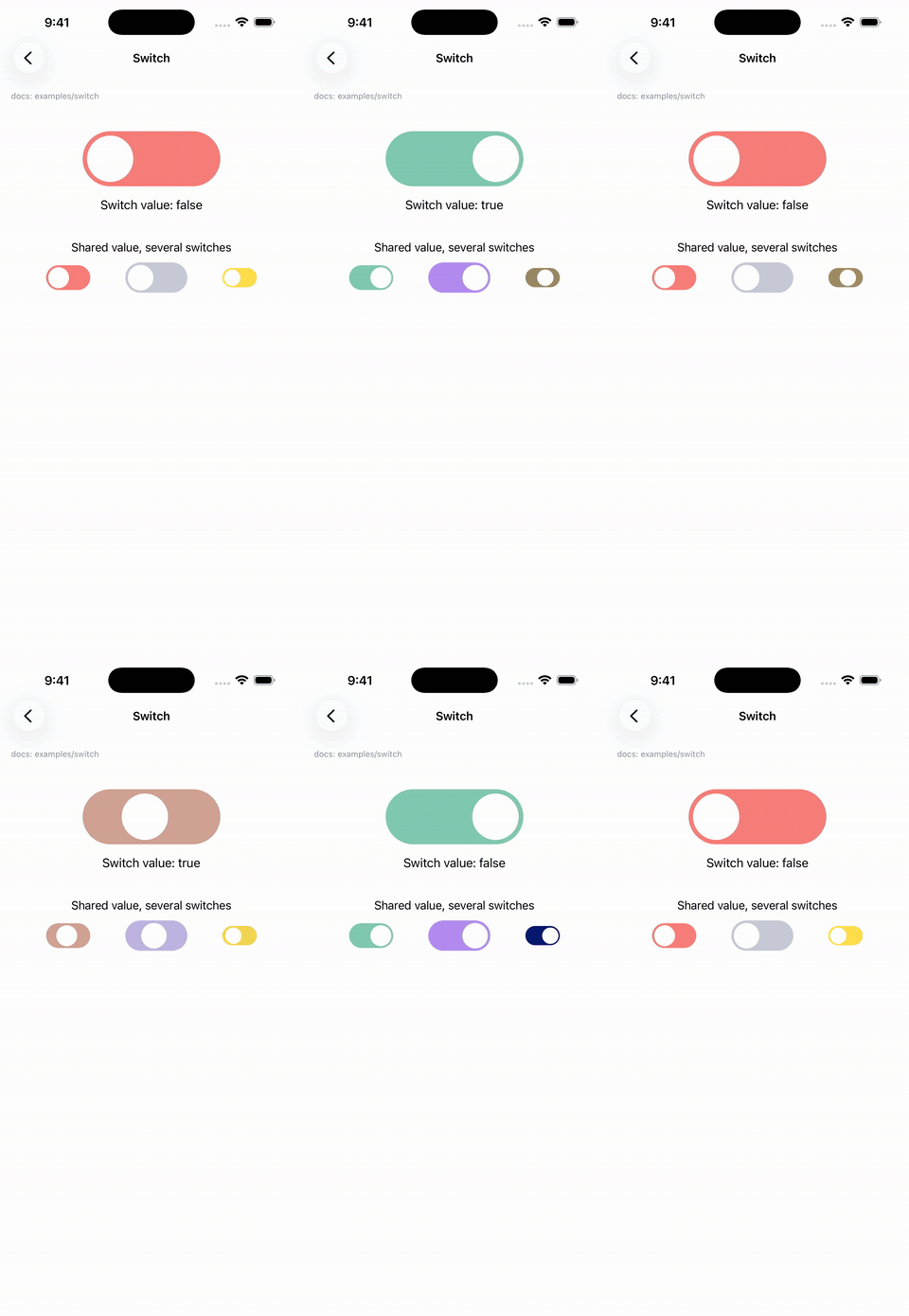 Switch |
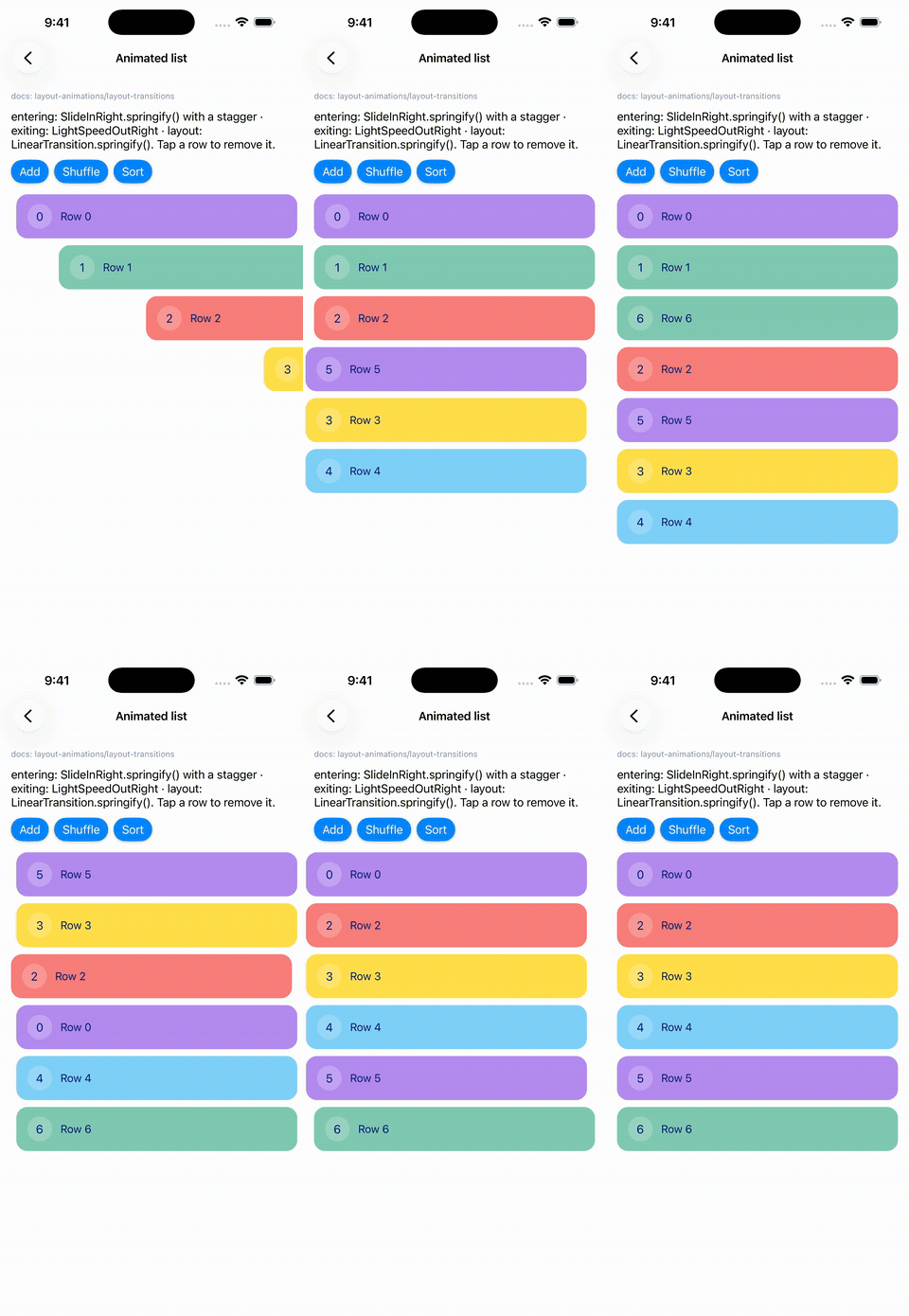 Animated list |
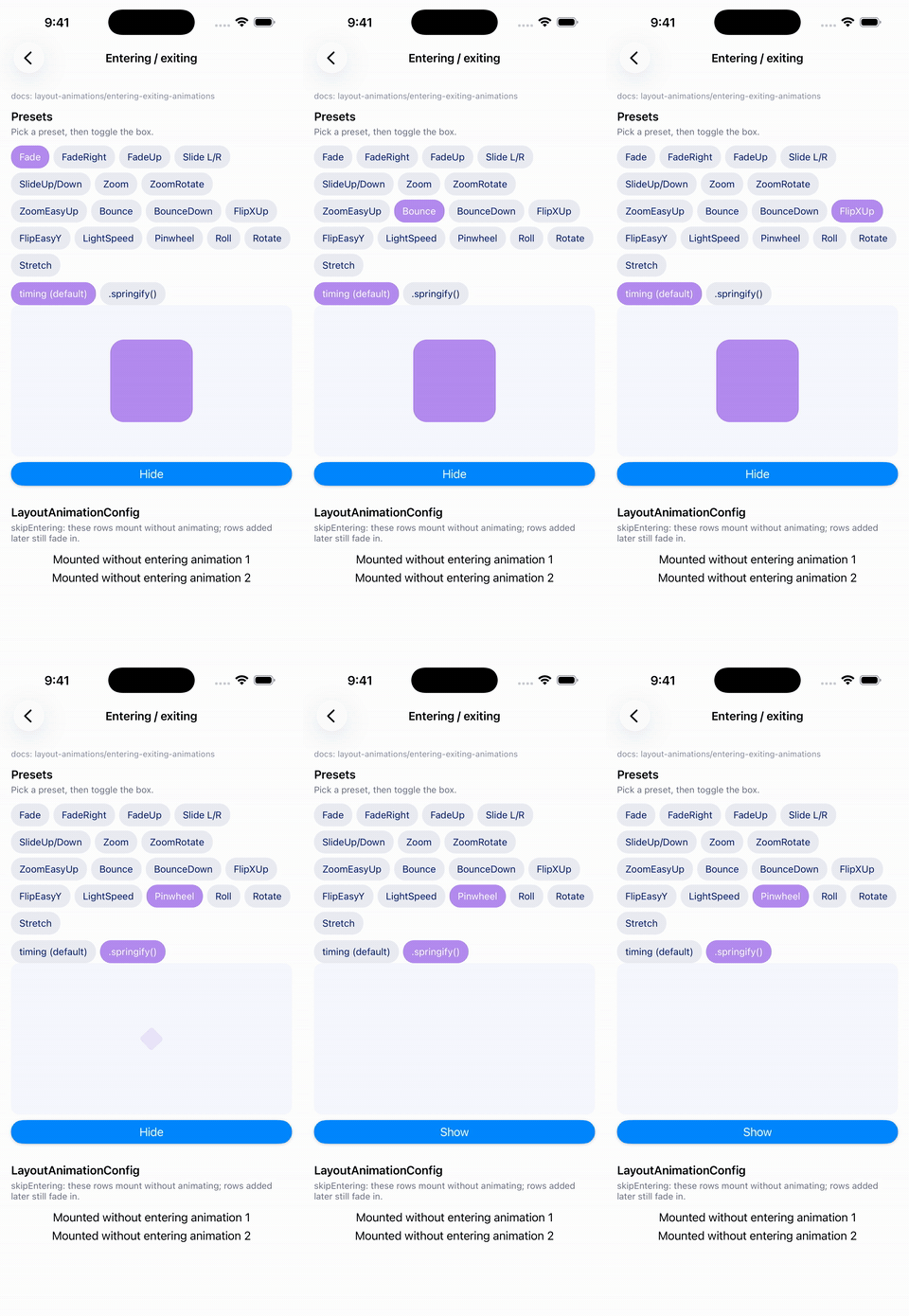 Entering / exiting |
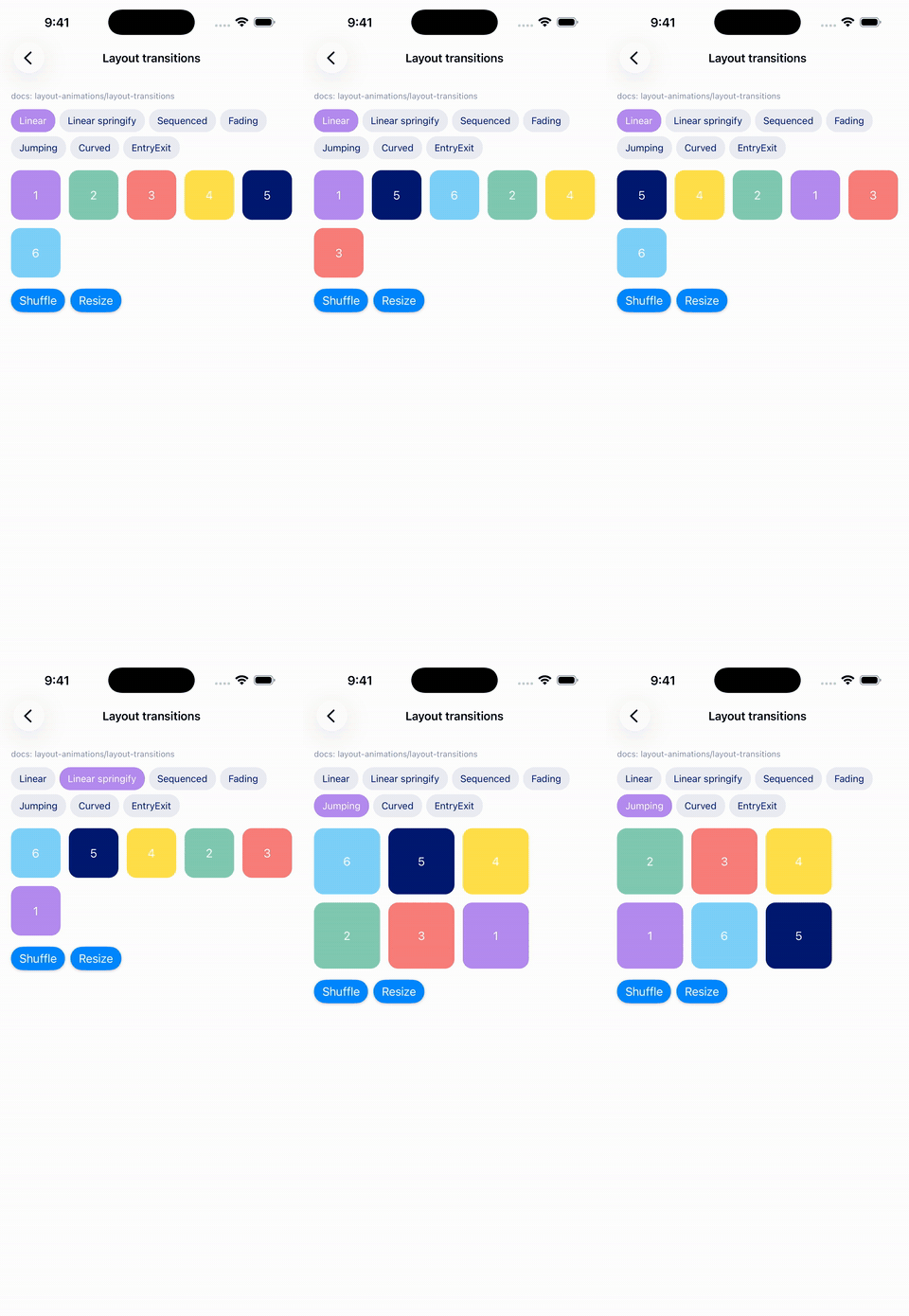 Layout transitions |
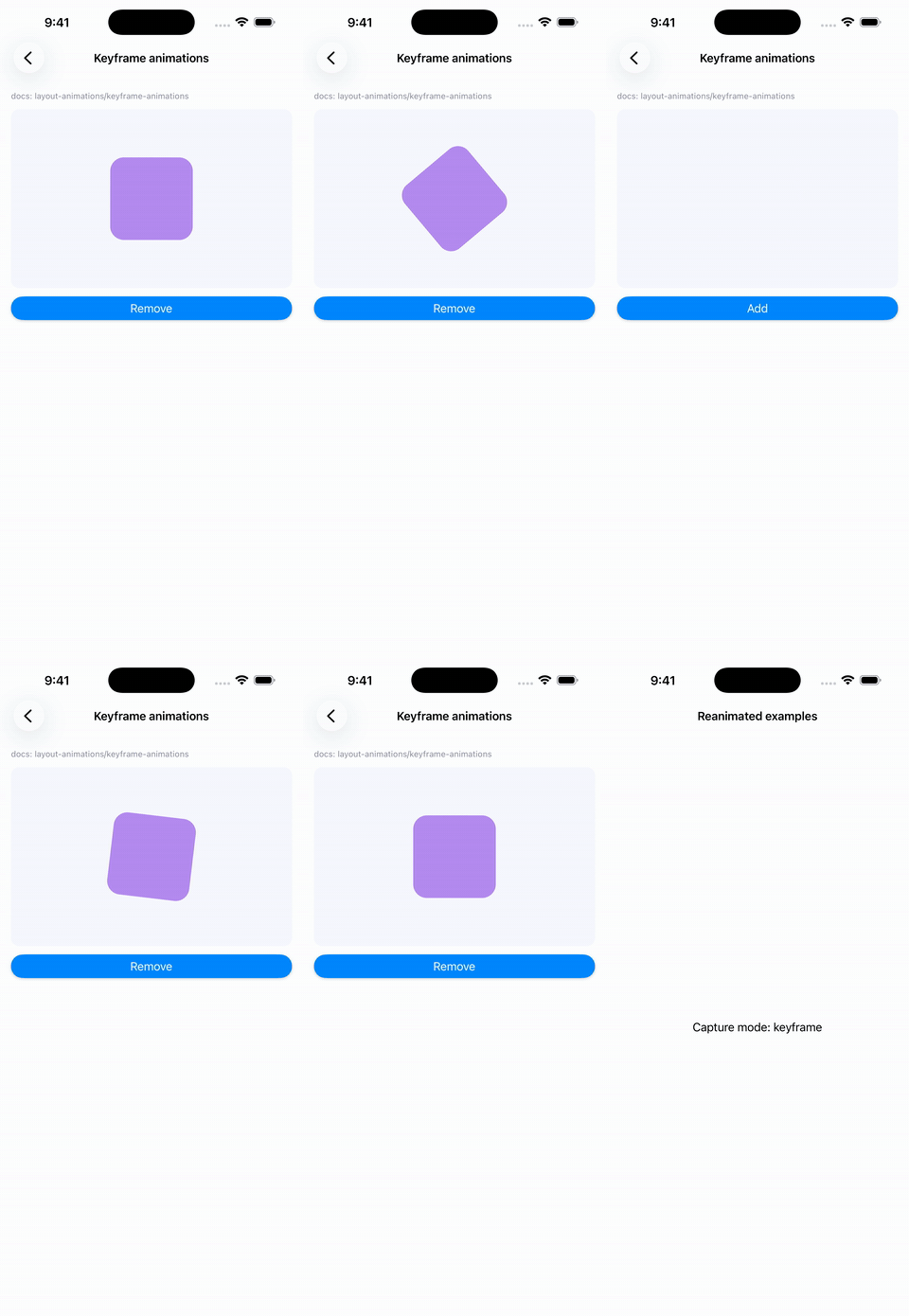 Keyframe |
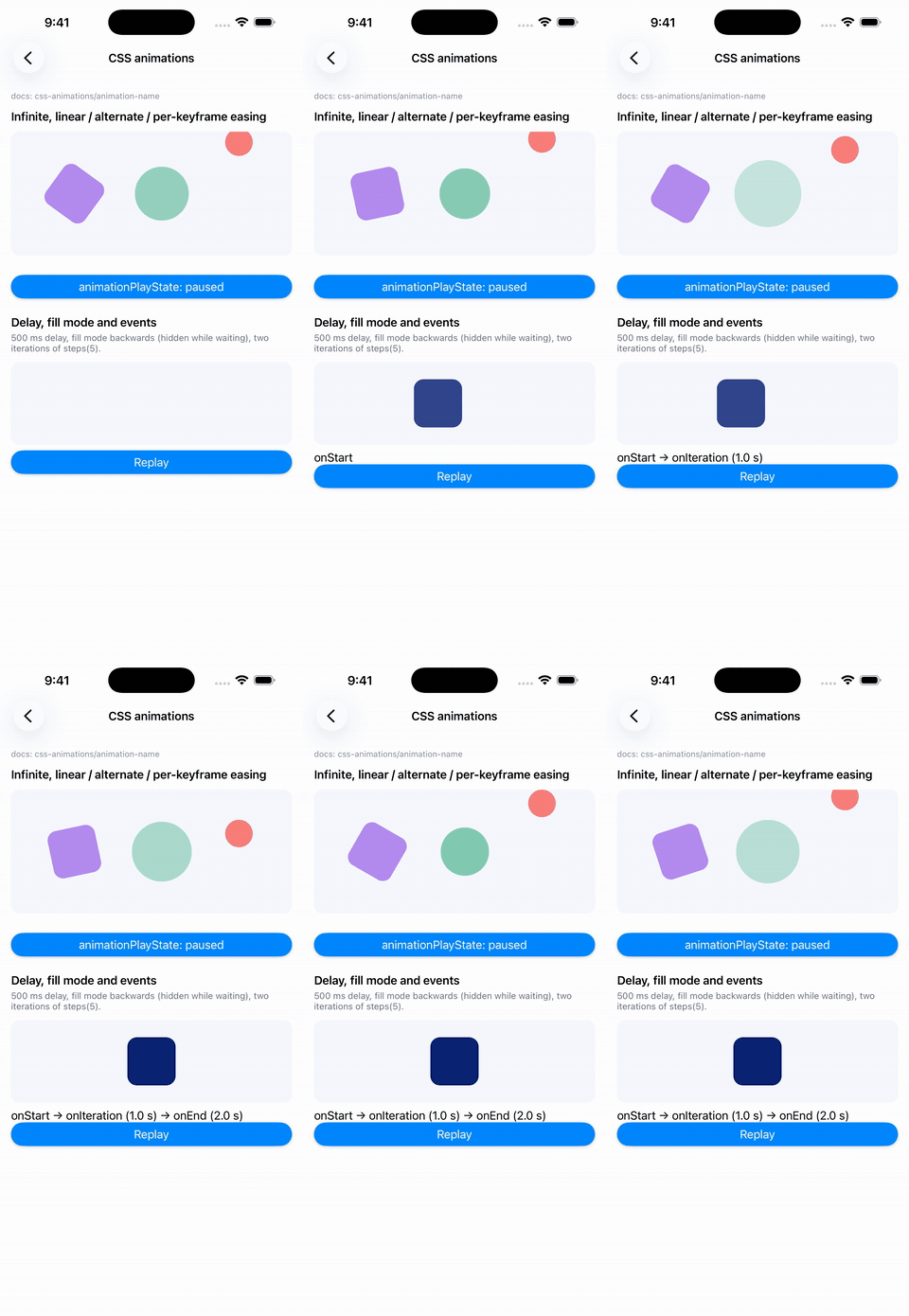 CSS animations |
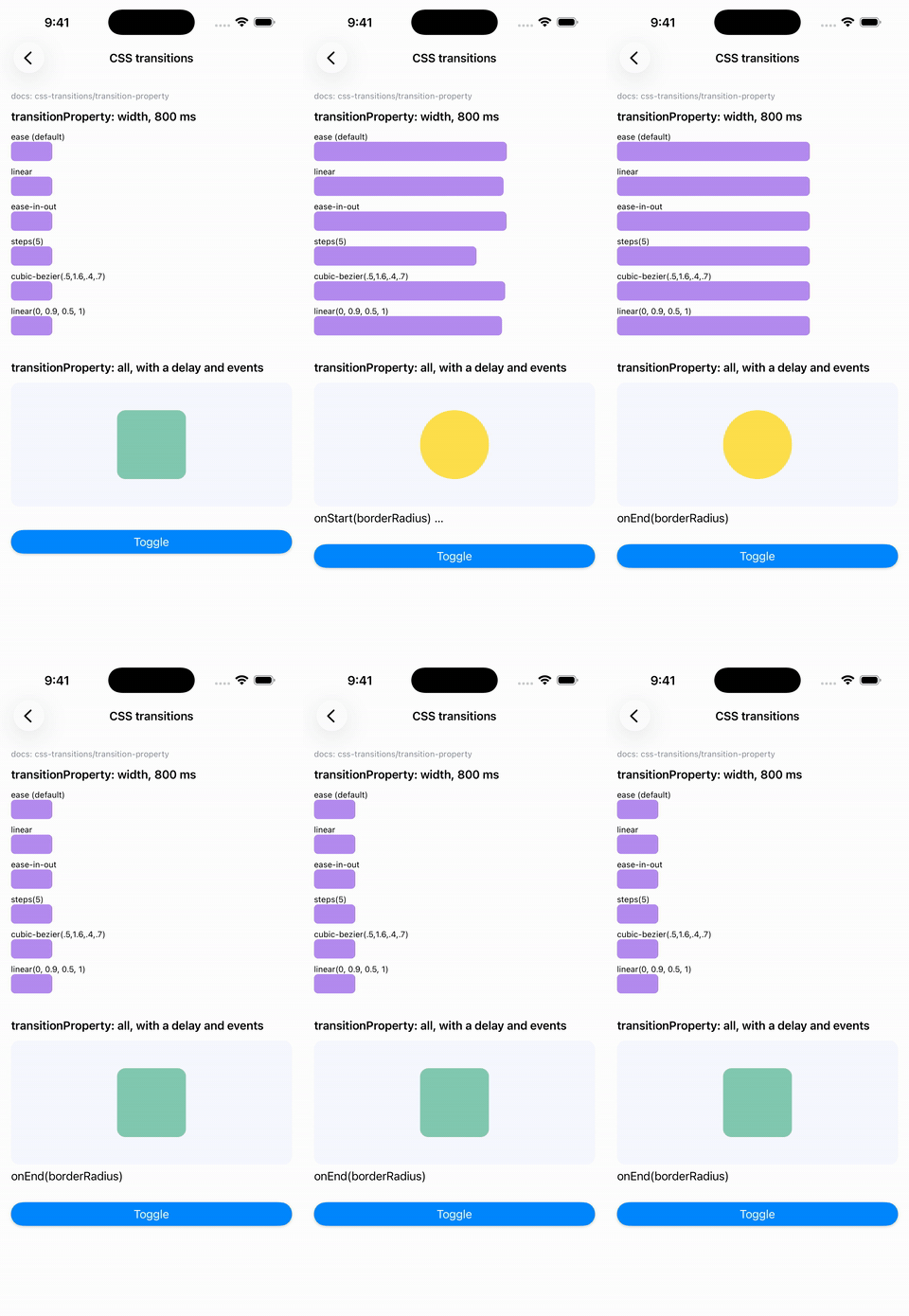 CSS transitions |
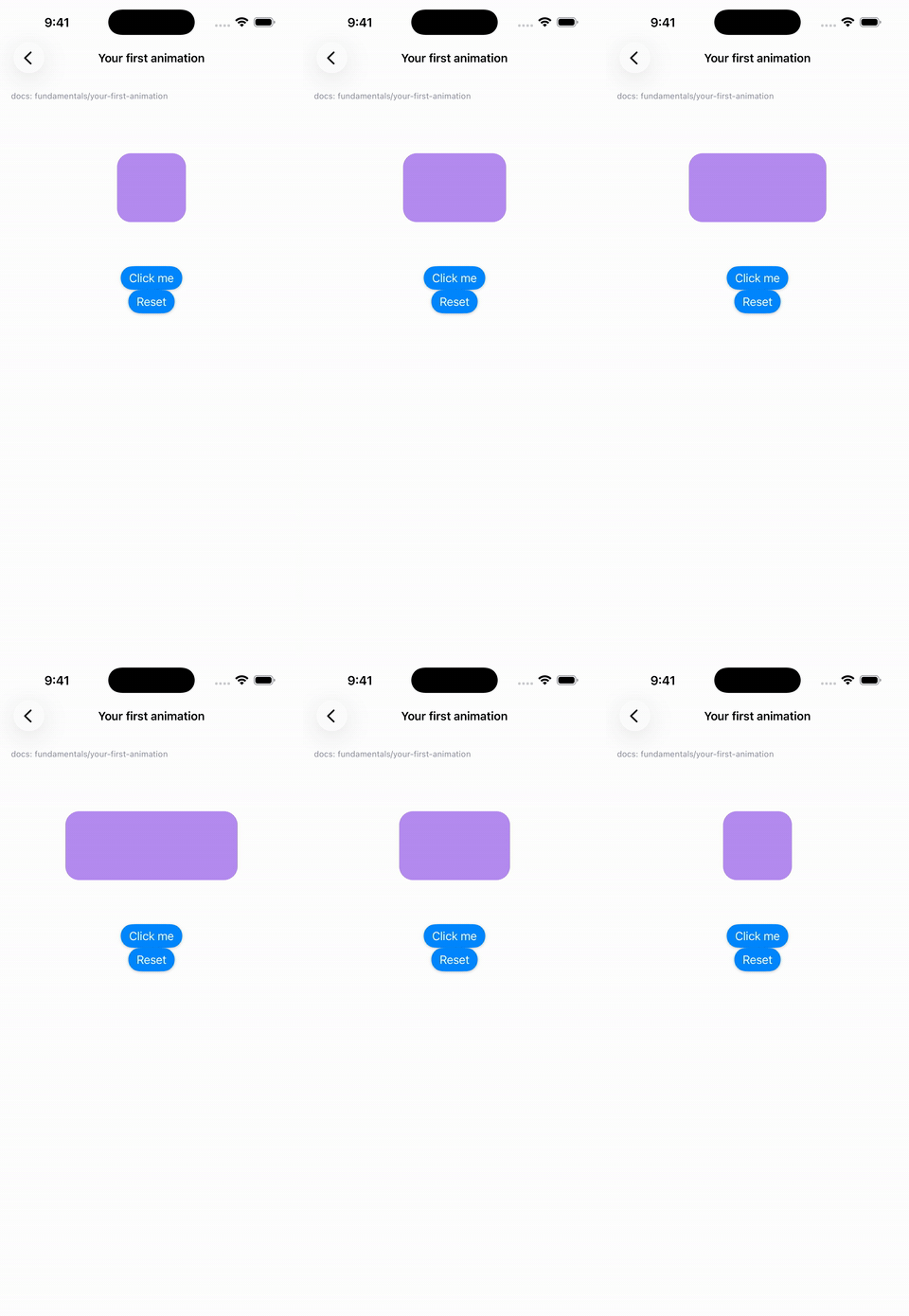 Your first animation |
Recorded from the example app on an iOS simulator. The gestures are scripted, and the airplane is steered by script because simulators have no motion sensors.
See every example with its full code →
- Runs on the display's clock. Animations advance once per display
refresh (
CADisplayLinkon iOS,Choreographeron Android) through DartNative'sTicker, at 60 or 120 Hz, and pause in the background. - Rebuilds only what animates.
AnimatedViewlistens to its own style. Writing a shared value never rebuilds your screen. - Tracks dependencies for you. Animated styles, derived values, animated props and reactions record the shared values they read, so you never write a dependency list.
- Behaves like Reanimated 4. Spring defaults, velocity carried into the
next animation, reduce-motion rules,
withRepeat(reverse:), rubber-band decay and Oklab colors all match. - Reads sensors natively. CoreMotion and SensorManager readings, and the system's reduce-motion setting, reach Dart over FFI with no platform channels.
Contents
- Installation
- Your first animation
- Guide
- DartNative layout rules that matter for animation
- API reference
- Coming from Reanimated
- Not available
- Example app and every example with its code
- Testing
- Troubleshooting
Installation
dependencies:
  reanimated_dartnative:
    hosted: https://dartpub.dev
    version: ^0.1.0
dn pub get
cd ios && pod install   # iOS only
dn pub get adds ReanimatedFFIBindings.loadSymbols() to your app's
generated lib/dartnative_plugin_registrant.dart. Keep
DartNativePluginRegistrant.registerAll() as the first line of main():
void main() {
  DartNativePluginRegistrant.registerAll();
  runApp(const MyApp());
}
Permissions:
- None for the motion sensors on either platform.
- iOS rotation in
xTrueNorthZVerticalneeds location permission, as CoreMotion requires.
Everything else is plain Dart.
Your first animation
The docs' first example: a box that grows by 50 with a spring each time you press the button.
import 'package:dartnative/dartnative.dart';
import 'package:reanimated_dartnative/reanimated_dartnative.dart';

class Box extends StatefulWidget {
  const Box({super.key});

  @override
  State<Box> createState() => _BoxState();
}

class _BoxState extends State<Box> with ReanimatedStateMixin {
  // 1. A shared value holds the state that animates.
  late final width = useSharedValue(100.0);

  // 2. An animated style reads it; it re-runs whenever width changes.
  late final animatedStyle = useAnimatedStyle(() => AnimatedStyle(width: width.value));

  // 3. Assigning an animation animates it.
  void handlePress() => width.set(withSpring(width.value + 50));

  @override
  Widget build(BuildContext context) => Column(children: [
        // 4. An AnimatedView shows the style, and only it updates per frame.
        AnimatedView(
          style: Styles([
            const AnimatedStyle(height: 100, backgroundColor: Color(0xFFB58DF1), borderRadius: 20),
            animatedStyle,
          ]),
        ),
        ElevatedButton(onPressed: handlePress, child: const Text('Click me')),
      ]);
}
ReanimatedStateMixin gives the State the use* hooks and disposes
everything they create when the widget goes away. Create shared values and
styles as late final fields, or in initState, and never in build.
Guide
Shared values
late final offset = useSharedValue(0.0);

offset.value;                       // read (also offset.get())
offset.value = 120;                 // set instantly, cancelling any animation
offset.set(withTiming(120));        // animate (Reanimated's offset.value = withTiming(120))
offset.set((double v) => v + 10);   // update from the current value
offset.modify((v) => v);            // notify after mutating a list or map in place
cancelAnimation(offset);            // stop where it is
- Animatable types:
double/int,Color,Offset,SizeandList<double>. Colors animate per channel in linear light. AnOffsetcan be the target of a spring or decay, which makes 2D motion one value. - Color formats: anywhere a color is expected, you can pass a
Color, an ARGB int, or a CSS string ('#b58df1','rgba(0,0,0,.5)','hsl(…)','teal'). - Usable as a
ValueListenable:ValueListenableBuilder,AnimatedBuilderandaddListenerall work. - No rebuilds: writing never rebuilds anything except the views that read the value.
Animated styles and AnimatedView
AnimatedView is Reanimated's Animated.View. Its style can be:
- a fixed
AnimatedStyle - the handle returned by
useAnimatedStyle - several of these merged with
Styles([...]), where later ones win (likestyle={[a, b]})
late final style = useAnimatedStyle(() => AnimatedStyle(
      translateX: x.value,
      scale: pressed.value ? 1.2 : 1,
      backgroundColor: pressed.value ? const Color(0xFFFFE04B) : const Color(0xFFB58DF1),
    ));

AnimatedView(style: Styles([baseStyle, style]), child: ...)
| Property | |
|---|---|
opacity |
0–1 |
translateX, translateY |
logical pixels |
scale, scaleX, scaleY |
|
rotate |
radians, in the screen's plane. Write degrees with deg(45) |
rotateX, rotateY, perspective |
3D rotation, seen from perspective px (default 900) |
width, height |
lays the view out at this size |
backgroundColor, borderRadius |
Transforms apply about the view's center, in this order: translate, rotate, 3D rotation, then scale.
AnimatedView also takes the following parameters:
onLayout(its size after layout, as React Native'sonLayout)backfaceVisibility: false(hides the view while a 3D rotation shows its back, for flip cards)entering,exitingandlayout(layout animations)cssAnimationsandcssTransition(CSS)sharedTransitionTag
Animations
x.set(withTiming(100));                                   // 300 ms, Easing.inOut(Easing.quad)
x.set(withTiming(100, duration: const Duration(seconds: 1), easing: Easing.out(Easing.exp)));
x.set(withSpring(100));                                   // mass 4, stiffness 900, damping 120
x.set(withSpring(100, dampingRatio: 0.5, duration: const Duration(milliseconds: 600))); // bouncy, duration-based
x.set(withDecay(velocity: 800, clamp: (0, 300), rubberBandEffect: true));

x.set(withSequence([withTiming(-10), withRepeat(withTiming(10), numberOfReps: 5, reverse: true), withTiming(0)]));
x.set(withDelay(const Duration(milliseconds: 400), withSpring(0)));
x.set(withRepeat(withTiming(1), numberOfReps: -1, reverse: true)); // forever
x.set(withClamp(min: 0, max: 200, withSpring(250, dampingRatio: 0.3)));

x.set(withSpring(100, callback: (finished) => print(finished ? 'done' : 'interrupted')));
- Interruption. A new animation starts from wherever the current one is.
A spring with no explicit
velocityalso inherits the current velocity, so interrupting looks natural. - Easings.
Easinghas Reanimated's curves:linear,ease,quad,cubic,poly(n),sin,circle,exp,elastic(),back(),bounce,bezier(x1, y1, x2, y2)andsteps(n). Wrap them within_,outandinOut.inis a Dart keyword, hencein_.
Animating when state changes
Reanimated code often animates inside a style:
useAnimatedStyle(() => ({ height: withTiming(open.value ? 200 : 0) })).
The Dart form is useDerivedAnimation. It is a shared value that animates
to whatever its updater returns, and re-runs whenever a shared value the
updater read changes:
late final isOpen = useSharedValue(false);
late final height = useDerivedAnimation(0.0, () => withTiming(isOpen.value ? 200.0 : 0.0));
late final style = useAnimatedStyle(() => AnimatedStyle(height: height.value));

void toggle() => isOpen.value = !isOpen.value;   // the height animates; nothing rebuilds
This is how the example app's accordion, bottom sheet, switch, floating
action button and flip card work. It also chains: in the chat heads, each
bubble is useDerivedAnimation(..., () => withSpring(ahead.value)).
Derived values, reactions and animated props
late final progress = useSharedValue(0.0);
late final width = useDerivedValue(() => progress.value * 250);            // read-only, recomputes
late final label = useAnimatedProps(() => 'Width: ${width.value.round()}'); // any type

@override
void initState() {
  super.initState();
  useAnimatedReaction(() => width.value > 200, (isOver, wasOver) {
    if (isOver != wasOver) height.set(withSpring(isOver ? 120.0 : 40.0));
  });
}

// Rebuilds only the Text:
AnimatedPropsBuilder(props: label, builder: (context, text) => Text(text))
Use animated props for anything that isn't a style: a painter's radius, a
label, a progress value. AnimatedPropsBuilder rebuilds just its builder.
Gestures
Drag with GestureDetector, then hand the release velocity to a spring or a
decay:
GestureDetector(
  onPanUpdate: (d) => offset.value += d.delta.dx,
  onPanEnd: (d) => offset.set(withDecay(
    velocity: d.velocity.pixelsPerSecond.dx,
    clamp: (-150, 150),
    rubberBandEffect: true,
  )),
  // The detector covers the whole area the ball moves in.
  child: SizedBox(height: 200, child: Center(child: AnimatedView(style: ballStyle))),
)
Put the detector around the area the view moves in, not around the view. A view moved by
translateX/translateYkeeps its touch area where it was laid out (in Flutter too). Wrap the whole stage. If you need to know whether the touch started on the view, checkdetails.localPositioninonPanStart, as the chat heads example does.
Layout animations
AnimatedPresence(children: [
  for (final item in items)
    AnimatedView(
      key: ValueKey(item.id),
      entering: SlideInRight().springify().dampingRatio(0.75),
      exiting: FadeOut().duration(const Duration(milliseconds: 200)),
      layout: LinearTransition(),
      child: Row(...),
    ),
])
Presets. Every Reanimated entering and exiting family is available, each in In and Out forms with their directions: Fade, Slide, Zoom, Bounce, Flip, LightSpeed, Pinwheel, Roll, Rotate and Stretch.
Builder modifiers.
.duration(),.delay(),.randomDelay(),.easing(),.springify(),.damping(),.mass(),.stiffness(),.dampingRatio(),.overshootClamping(),.reduceMotion(),.withInitialValues(),.withTargetValues()and.withCallback().exitingneeds anAnimatedPresencearound the list children leave from (with keyed children). In React Native a component plays its exit on unmount; in DartNative a widget is gone as soon as its parent rebuilds without it, soAnimatedPresencekeeps it until the animation ends.layouttransitions.LinearTransition,SequencedTransition,FadingTransition,JumpingTransition,CurvedTransitionandEntryExitTransitionanimate a view from its old position and size to its new one after a rebuild.Keyframe.final wobble = Keyframe({ 0: const AnimatedStyle(rotate: 0), 45: KeyframeStyle(rotate: deg(100), easing: Easing.exp), 100: const AnimatedStyle(rotate: 0), }).duration(const Duration(seconds: 2));Custom animations.
CustomEntering/CustomExiting((values) => (initial: ..., target: ...)).Skipping.
LayoutAnimationConfig(skipEntering: true, ...)skips entering animations on first mount.Shared elements.
AnimatedView(sharedTransitionTag: 'photo-3')on both screens flies the view across aNavigator.push, using DartNative'sHero.
CSS animations and transitions
Reanimated 4's CSS API, for animations that don't depend on shared values:
AnimatedView(
  style: box,
  cssAnimations: [
    CSSAnimation(
      keyframes: CSSKeyframes({'to': AnimatedStyle(rotate: deg(360))}),
      duration: const Duration(seconds: 3),
      iterationCount: double.infinity,
      timingFunction: CSSTimingFunction.linear,
    ),
  ],
)

AnimatedView(
  style: AnimatedStyle(width: expanded ? 280 : 60, height: 28),  // change with setState
  cssTransition: CSSTransition(properties: const ['width'], duration: const Duration(milliseconds: 800)),
)
- Animation options.
delay(negative values start partway through),iterationCount,direction,fillModeandplayState. - Per-keyframe timing. Use
KeyframeStyle(easing:). - Animation callbacks.
onStart,onIteration,onEndandonCancel. Transitions haveonRun,onStart,onEndandonCancel. - Timing functions.
CSSTimingFunctionhasease,easeIn,easeOut,easeInOut,linear,stepStart,stepEnd,cubicBezier(),steps(n, position)andlinearPoints()(CSSlinear()).
Scroll
final controller = ScrollController();
late final scrollY = useScrollOffset(controller);
late final headerStyle = useAnimatedStyle(() => AnimatedStyle(
      height: interpolate(scrollY.value, [0, 160], [160, 64], Extrapolation.clamp),
      backgroundColor: interpolateColor(scrollY.value, [0, 160], ['#b58df1', '#001a72']),
    ));

useAnimatedScrollHandler(controller,
    onBeginDrag: (e, ctx) => ..., onEndDrag: ..., onMomentumEnd: ...);
scrollTo(controller, 0, 1200, true);

ListView(controller: controller, children: ...)
These take the ScrollController you give the scroll view, where Reanimated
takes an animated ref.
Sensors
late final gravity = useAnimatedSensor(SensorType.gravity);   // AnimatedSensor<Value3D>
late final rotation = useAnimatedSensor(SensorType.rotation,  // AnimatedSensor<ValueRotation>
    const SensorConfig(interval: SensorInterval.milliseconds(20)));

late final style = useAnimatedStyle(() => AnimatedStyle(
      translateX: -gravity.sensor.value.x * 20,   // toward the lower edge
      translateY: gravity.sensor.value.y * 20,
    ));

if (!gravity.isAvailable) { /* simulator, or no such sensor */ }
Axes and units are the same on iOS and Android. x points to the device's right edge, y to its top edge and z out of the screen.
| Sensor | Reading | Flat, screen up | Right edge down | Upright |
|---|---|---|---|---|
accelerometer, gravity |
m/s², the force holding the device up | z = +9.81 | x < 0 | y = +9.81 |
gyroscope |
rad/s about each axis | |||
magneticField |
µT | |||
rotation |
quaternion plus yaw, pitch, roll (rad) |
Note that the screen's y axis points down while the device's y points up, so
"slide toward the lower edge" is translateX: -x * k, translateY: y * k. The
example app's test/tilt_mapping_test.dart checks this against simulated
device poses.
Configuration:
SensorInterval.autofollows the screen refresh rate. UseSensorInterval.milliseconds(n)for a fixed rate, at most about 100 Hz.adjustToInterfaceOrientation(on by default) rotates x and y to follow the screen in landscape.iosReferenceFramesets the rotation reference frame on iOS.- Smoothing. To smooth readings, spring toward them. Each new spring
inherits the last one's velocity:
useAnimatedReaction(() => gravity.sensor.value, (g, _) => x.set(withSpring(-g.x * 20))).
Reduced motion
useReducedMotion() reads the device setting: Reduce Motion on iOS, Remove
animations on Android. ReducedMotion.onChange fires when it changes.
Every animation takes reduceMotion: ReduceMotion.system | always | never,
and system is the default. When reduce motion applies:
- Timing and spring animations jump to their end.
- Decay animations stay where they are.
- Delays are skipped.
- Infinite repeats, and reversed repeats with an even count, don't start.
- Entering and layout animations jump to their end.
- Exiting animations are skipped.
ReducedMotionConfigScope(mode: ReduceMotion.never, child: ...) overrides
the setting app-wide while it is mounted.
Frame callbacks, measuring, interpolation
- Frame callbacks.
useFrameCallback((info) {...})runs every frame;infohastimestamp,timeSincePreviousFrameandtimeSinceFirstFrame.setActive(bool)starts and stops it.useTimestamp()is a shared value of milliseconds since it started.
- Measuring.
final ref = useAnimatedRef();then passContainer(key: ref).measure(ref)returns the size andpageX/pageYon screen. Itsx/yare relative torelativeTo:, because DartNative exposes no parent view.getRelativeCoords(ref, x, y)converts screen coordinates to the view's.
- Interpolation.
interpolate(v, [0, 1], [10, 50], Extrapolation.clamp); pass anExtrapolationConfigfor different behaviour on each side.interpolateColor(v, [0, 1], ['red', 'blue'], ColorSpace.rgb | hsv | lab). RGB blends in linear light, andlabis Oklab.
- Helpers.
contrastColorandclamp. - Debugging.
ReanimatedDebug.slowAnimations = trueplays everything 10× slower.
DartNative layout rules that matter for animation
These come from DartNative and catch everyone porting Flutter code:
- A moved view's touch area stays behind. See Gestures:
put the
GestureDetectoraround the whole area. Stackmatches children by index, not by key. If you reorder children inside aStack, give each index a fixed role and change what it shows. The card deck example does this.ColumnandRowbehave normally.Positionedmust be the outermost wrapper of aStackchild, and aStackwhose children are allPositionedcollapses to zero size. Add one non-positioned child, or give theStacka size.- A horizontal scroll view in a
Columnneeds a height. Wrap it in aSizedBox(height: …). - Native views keep the last property value you set when you later pass
null. Pass explicit colors for every state (for example selected and unselected) rather thancolor: selected ? c : null.
API reference
Core
| API | Notes |
|---|---|
useSharedValue, SharedValue, makeMutable, cancelAnimation |
.value, get(), set(valueOrAnimationOrUpdater), modify(), isAnimating, velocity |
useAnimatedStyle, AnimatedStyle, Styles, deg() |
Style properties listed above |
AnimatedView |
style, entering, exiting, layout, cssAnimations, cssTransition, sharedTransitionTag, onLayout, backfaceVisibility, child |
useDerivedValue |
Read-only computed value |
useDerivedAnimation |
Animates to what its updater returns, re-running when a dependency changes |
useAnimatedReaction |
(prepare, react(current, previous)); react first runs with previous null |
useAnimatedProps, AnimatedPropsBuilder |
Props of any type |
useAnimatedRef, measure, getRelativeCoords |
|
ReanimatedStateMixin |
The use* hooks on a State, disposed with it |
Animations
| API | Defaults (Reanimated 4) |
|---|---|
withTiming(to, duration:, easing:, reduceMotion:, callback:) |
300 ms, Easing.inOut(Easing.quad) |
withSpring(to, mass:, stiffness:, damping:, duration:, dampingRatio:, velocity:, overshootClamping:, energyThreshold:, clamp:, …) |
Physics: mass 4, stiffness 900, damping 120. Duration-based: 550 ms perceptual (settles in about 1.5×), dampingRatio 1 |
withDecay(velocity:, deceleration:, clamp:, velocityFactor:, rubberBandEffect:, rubberBandFactor:, …) |
0.998, 1, rubber band 0.6 (needs clamp) |
withSequence([…]), withRepeat(a, numberOfReps:, reverse:), withDelay(d, a), withClamp(a, min:, max:) |
Repeats 2 times by default; ≤ 0 means forever; reverse is for animation functions only |
Easing.* |
See Animations |
Layout
| API |
|---|
FadeIn/FadeOut (+ Right/Left/Up/Down), SlideIn*/SlideOut*, ZoomIn*/ZoomOut* (+ Rotate, Easy*), BounceIn*/BounceOut*, FlipIn*/FlipOut*, LightSpeed*, PinwheelIn/Out, Roll*, Rotate*, Stretch* |
Keyframe, KeyframeStyle, CustomEntering, CustomExiting |
LinearTransition, SequencedTransition, FadingTransition, JumpingTransition, CurvedTransition, EntryExitTransition |
AnimatedPresence, LayoutAnimationConfig, ReducedMotionConfigScope |
CSS, scroll, device, utilities
| API |
|---|
CSSAnimation, CSSKeyframes, CSSTransition, CSSTimingFunction, AnimationDirection, AnimationFillMode, AnimationPlayState |
useScrollOffset, useAnimatedScrollHandler, scrollTo |
useAnimatedSensor, SensorType, SensorConfig, SensorInterval, IOSReferenceFrame, Value3D, ValueRotation |
useReducedMotion, ReducedMotion, ReducedMotionConfig, ReduceMotion |
useFrameCallback, useTimestamp, interpolate, Extrapolation, interpolateColor, ColorSpace, contrastColor, parseColor, clamp, ReanimatedDebug, AnimationClock |
Coming from Reanimated
| Reanimated (TypeScript) | reanimated_dartnative |
|---|---|
const sv = useSharedValue(0) |
late final sv = useSharedValue(0.0); |
sv.value = withSpring(1) |
sv.set(withSpring(1)) |
useAnimatedStyle(() => ({ transform: [{ translateX: x.value }] })) |
useAnimatedStyle(() => AnimatedStyle(translateX: x.value)) |
height: withTiming(open.value ? 200 : 0) inside a style |
useDerivedAnimation(0.0, () => withTiming(open.value ? 200.0 : 0.0)) |
<Animated.View style={[styles.box, animatedStyle]} /> |
AnimatedView(style: Styles([box, animatedStyle])) |
withTiming(1, { duration: 300 }, cb) |
withTiming(1, duration: Duration(milliseconds: 300), callback: cb) |
withRepeat(a, -1, true) |
withRepeat(a, numberOfReps: -1, reverse: true) |
withSequence(a, b) / withClamp({min: 0}, a) |
withSequence([a, b]) / withClamp(min: 0, a) |
'45deg' |
deg(45) |
entering={FadeIn.duration(500)} |
entering: FadeIn().duration(Duration(milliseconds: 500)) |
exiting={FadeOut} |
exiting: FadeOut() inside an AnimatedPresence |
onLayout={e => …} |
AnimatedView(onLayout: (size) => …) |
useAnimatedRef() on a scroll view |
the scroll view's ScrollController |
Easing.in(f) |
Easing.in_(f) |
runOnJS(f)(x) |
f(x), since there is one thread |
Not available
- Worklets and threads (
runOnUI,runOnJS,scheduleOnRN). These aren't needed, because your code already runs on the UI thread, once per frame. setNativeProps,dispatchCommand,useEvent,useHandleranduseComposedEventHandler. These are React Native internals; rebuild widgets and use closures instead.useAnimatedKeyboardis deprecated in Reanimated 4. UseMediaQuery.viewInsetsOf(context).- CSS pseudo-selectors and skew transforms. DartNative has no skew, so the LightSpeed presets slide and fade without it.
sharedTransitionStyle. DartNative'sHerodecides the flight.
Example app
example_app/ has 31 screens, each in its own file in lib/src/screens/,
with reusable widgets in lib/src/components/:
- The Reanimated site's examples:
- accordion
- bottom sheet
- flip card
- floating action button
- marquee
- section list
- slider
- switch
- Showpieces:
- an airplane you fly by tilting the phone
- chat heads
- a swipeable card deck
- The docs' API examples:
- fundamentals
- every layout animation preset
- an animated list
- keyframes
- layout transitions
- shared elements
- CSS animations and transitions
- derived values
- frame callbacks
measure- scroll
- sensors
- reduced motion
cd example_app
dn pub get
dn run -d <device-id>
Sensors need a real device. On a simulator, the airplane falls back to dragging.
doc/EXAMPLES.md walks through every screen: its GIF, what to look at, and its full code, with each component it uses. The pages are generated from the example's source, so they always match it. After changing an example, run:
python3 tool/gen_examples_docs.py
To regenerate the GIFs above, boot an iOS simulator and run:
tool/make_gifs.sh
It runs the example app in capture mode (--dart-define=CAPTURE=true),
which plays each screen with scripted interactions. It records the
simulator and writes doc/gifs/*.gif with ffmpeg.
Testing
Animations run on AnimationClock. In tests, stop it from ticking on its
own, then step it yourself:
setUpAll(() => AnimationClock.instance.manual = true);

test('springs to 100', () {
  final sv = SharedValue(0.0);
  sv.set(withSpring(100));
  AnimationClock.instance.runUntilIdle();   // or manualStep(seconds)
  expect(sv.value, 100);
});
AnimatedSensor.debugEmit(reading) feeds a sensor reading in tests, and
ReducedMotion.debugSetEnabled(true) simulates the system setting.
The repository's own tests:
dn test                          # the plugin (Dart)
(cd example_app && dn test)      # tilt mappings against simulated device poses
tool/test_native_math.sh         # iOS (Swift) and Android (Kotlin) axis and unit conversions
Troubleshooting
| Symptom | Cause / fix |
|---|---|
| A dragged view can't be grabbed after it moves | Put the GestureDetector around the area, not the moved view (why) |
exiting doesn't play |
The view must be a keyed child of an AnimatedPresence |
A Stack's children swap state after reordering |
Stack matches by index (rule 2) |
| Animations never move in unit tests | Set AnimationClock.instance.manual = true and step the clock |
isAvailable is false |
Simulator or missing sensor; in unit tests there is no native side |
| Animations jump straight to the end | Reduce Motion is on; pass reduceMotion: ReduceMotion.never to opt out |
iOS: Cannot find 'ReanimatedSensorMath' in scope after upgrading |
Run pod install |
| A "near the finger" check is far too strict | In DartNative 1.4.0 Offset.distance returns the squared length; use math.sqrt(d.dx * d.dx + d.dy * d.dy) |
| Nothing animates and the console says native symbols are missing | Keep DartNativePluginRegistrant.registerAll() as the first line of main(), then rebuild |
License
MIT. See LICENSE.